Important Notice:
* The name of Simple Sharing is now Link Sharing.
* If you download Link Sharing at first, there is no App Icon,
Please select “Link Sharing” in Share panel for sharing contents in your app
You can add Link Sharing App icon if you want in Link Sharing settings.

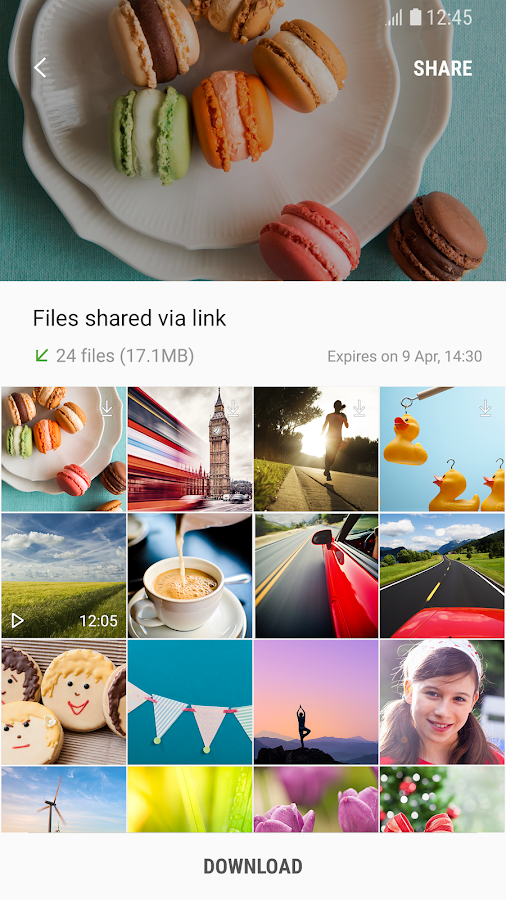
Link Sharing is a file sharing app that can conveniently share large video clips or massive quantities of photos (at their original sizes) to large groups of people.
- Large size files transfer without any settings and cable connection
- Transfer original files safely with Samsung Cloud
- Maximum 2G can be transferred at once, with individual file size limit being 1G
- Supports all file types (except Apk types)
- Various file transferring options
. Send to contacts, Create a link, Share with Code
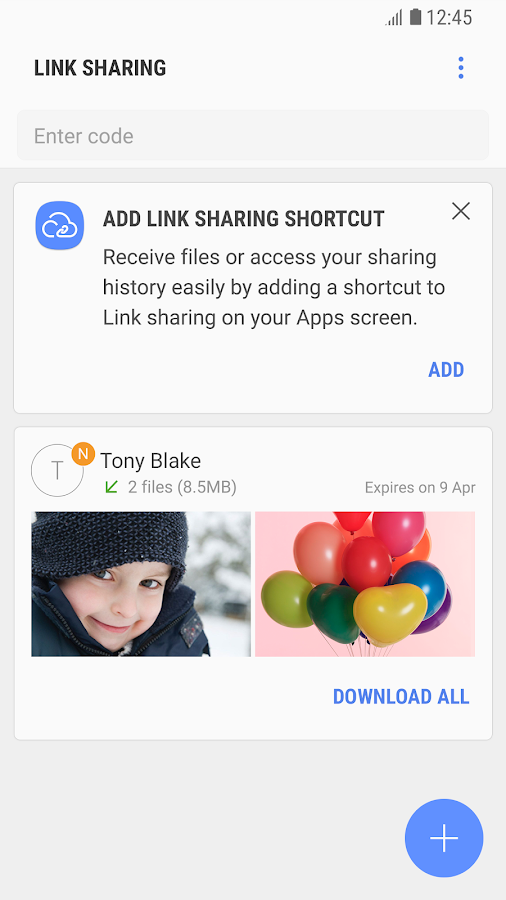
* Maximum 2G can be transferred daily, and they are stored on the server for two days until they get deleted.
* Apk file types are not supported due to legal issues.
[Detailed Information]
. Link Sharing Introduction video :
https://youtu.be/C8-_UkuK2cQ
* The name of Simple Sharing is now Link Sharing.
* If you download Link Sharing at first, there is no App Icon,
Please select “Link Sharing” in Share panel for sharing contents in your app
You can add Link Sharing App icon if you want in Link Sharing settings.
Link Sharing is a file sharing app that can conveniently share large video clips or massive quantities of photos (at their original sizes) to large groups of people.
- Large size files transfer without any settings and cable connection
- Transfer original files safely with Samsung Cloud
- Maximum 2G can be transferred at once, with individual file size limit being 1G
- Supports all file types (except Apk types)
- Various file transferring options
. Send to contacts, Create a link, Share with Code
* Maximum 2G can be transferred daily, and they are stored on the server for two days until they get deleted.
* Apk file types are not supported due to legal issues.
[Detailed Information]
. Link Sharing Introduction video :
https://youtu.be/C8-_UkuK2cQ
REVIEWS
3.1
16,552 total
57,359
4999
3745
2360
17,089
Cat Roberts
Takes up a lot of space and can't see myself using it as I don't send large files to anyone ever. Can I uninstall without wrecking the phone? Ask us Samsung users first whether we want these apps before installing them with our our knowledge.
Eduardo Delamora
u guys r way behind, with SHARE IT I already send my 600 mb file with no Wi-Fi and no data and no bluetooth how they did it who knows... so with this app I jst gave up uploading it.. lol dnt have all day
Stephen Booth
Bloatware I had to upgrade to a phone with more storage because the manufacturer of my previous phone had dumped so much bloatware on it that I had to remove apps I do use to make room for the apps they put on that I didn't use. Samsung seem to be going the same way. I don't use this app, I have no reason to use this app, there are easier and safer ways to do what this app does that don't involve filling up my phone.
Mark Griffin
Finally I can transfer files too large for emails without jumping through obstacles. Even better the link expires after a reasonable time. Suggestion it would have been nice to have a heads-up about the download so I didn't have to look it up to find out what it does and how it works. Just what I needed.
WHAT'S NEW
3.3.10.2 Version
* Fixed an Application Update Error
* Bug fixed and performance improvement
== New Features ==
- Applied New Design
- Create Link
- Code Sharing
- PC Link Sharing Application has been launched
(supports Windows 10 )
- Link download: Android
- Get link
- X
- Other Apps
Labels
Link Sharing
Labels:
Link Sharing
- Get link
- X
- Other Apps
Comments
Post a Comment